
analytica Use Case: Device integration
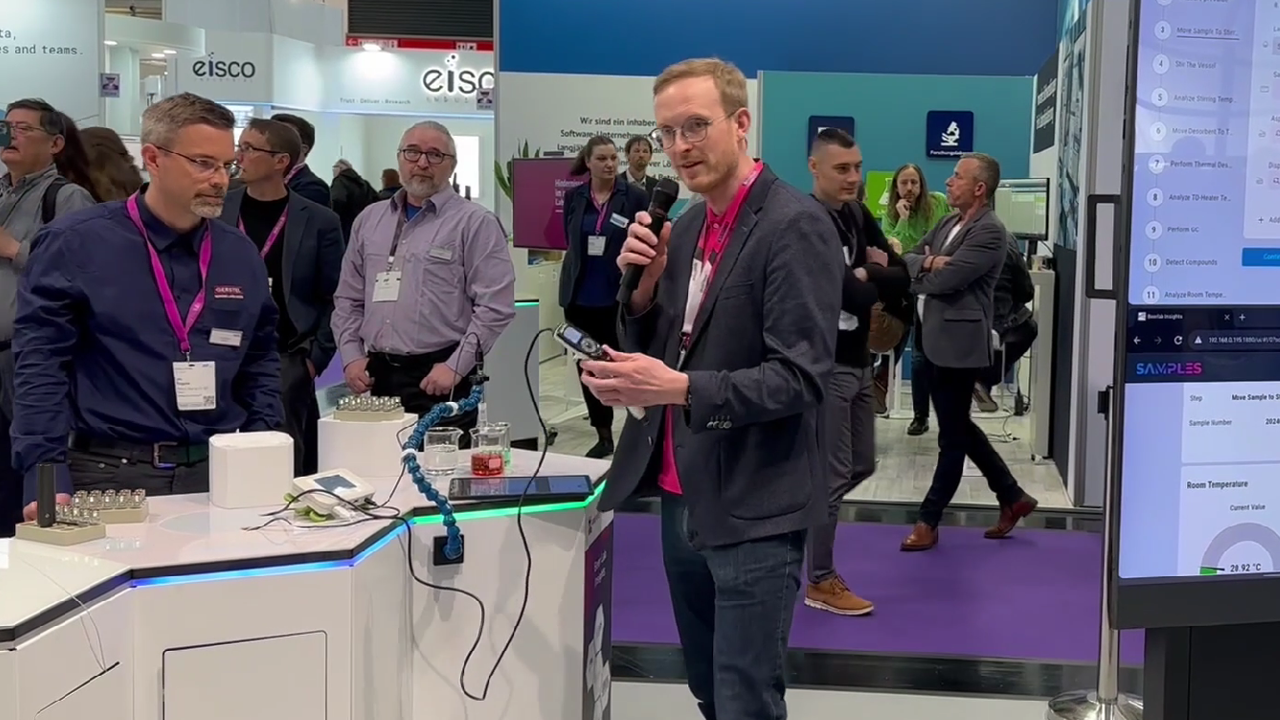
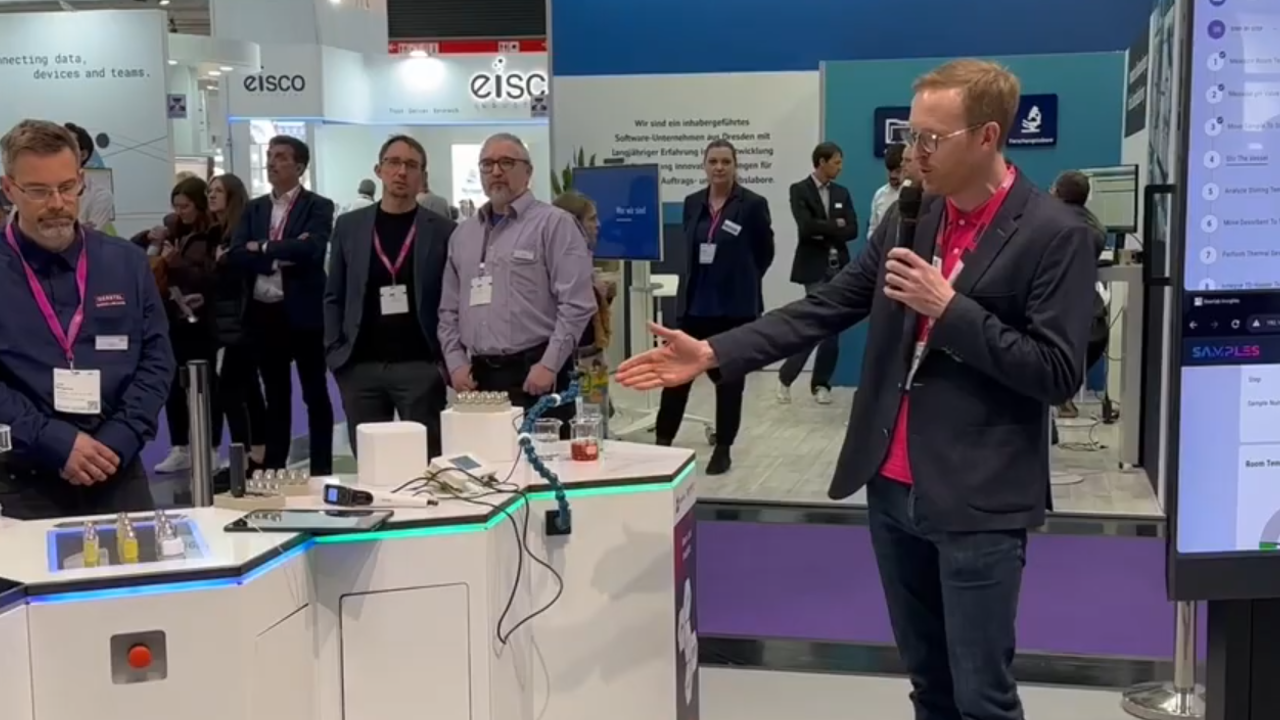
Experience the integration of laboratory equipment, sensors, robots and analysis software in a practical and concrete application scenario as part of the special show “Digital Transformation” at analytica 2024.
The realization of smart laboratory processes
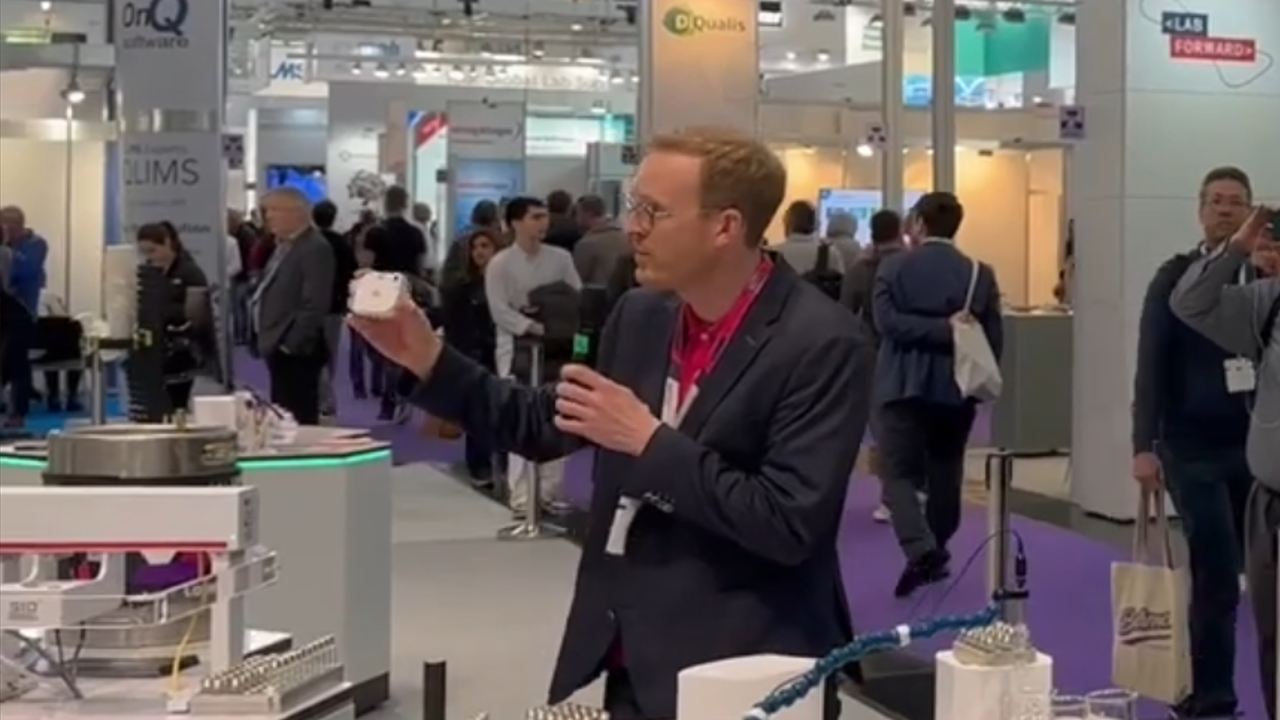
Find out more in the following interview followed by a live demo of the implementation of a semi-automated laboratory process during the special show “Digital Transformation” at analytica 2024.
At analytica 2024, the world’s leading trade fair for laboratory technology, analysis, and biotechnology, we presented a comprehensive laboratory process with the integration and automation of lab devices in collaboration with six partners.
Starting with the sampling of the beer and continuing through to the final analysis results, the entire process was orchestrated and managed by our LIMS and Lab Execution System, SAMPLES. The specific implementation has been detailed for you below.
- Sensors: pH measurement and environmental sensors from Essentim
- Actuators: Magnetic stirrer from 2Mag, pipette from integra
- Analytic: Thermal desorption, autosampler and gas chromatography from Gerstel
- Sample transportation: Cobot Kevin from UnitedRobotics
- Equipment: iHex laboratory furniture from SmartLab Solutions
The implementation of the laboratory process
1. Monitor room temperature
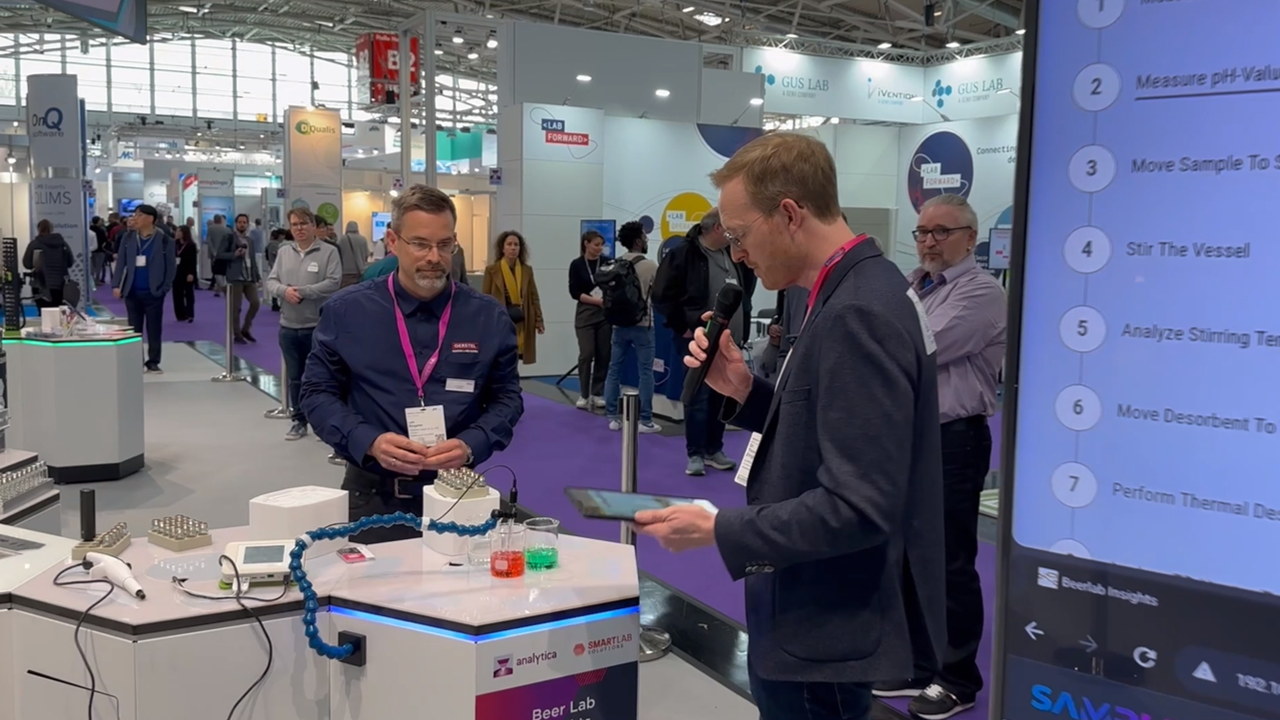
IntegrationTemperature is recorded throughout the entire workflow in order to monitor this important parameter. The sensors were already equipped with LADS adapters and could therefore be easily integrated into the device list. The data analysis was conducted using an external analysis software, which was therefore integrated into SAMPLES.
ResultFor temperature monitoring, the user can select and activate the corresponding sensor in SAMPLES at the start of the test. In the background, continuous collection of temperature data now takes place. Subsequently, these data are automatically transferred by the LES to the integrated external software for analysis. The user is proactively notified of significant deviations.
2. Determine pH value
IntegrationThe ph-value sensors also already had LADS adapters and thus ensured simple integration into the device list. Subsequently, the device was connected via the method using the work step parameter “Read value”.
ResultThe specific sensor can be selected by the user in the process step or is set automatically if only one sensor is available. During the addition of the buffer solution, the pH value is continuously monitored. The final value can then be actively transferred to the LIMS and Lab Execution System SAMPLES with a click.
3. Pipetting
IntegrationThe pipette already had a SiLA adapter and could therefore be integrated without any problems. The sample volume parameter was connected to the device functions aspirate and dispense using the “Execute” interaction.
ResultThe device is selected by the user. The transfer of the correct sample volume for uptake from the beaker and dispensing into the stirring tube occurs automatically. The sample volume to be transferred is specified in the work instructions.

4. Stirring & Adsorbing
IntegrationMagnetic stirrers and temperature probes had LADS adapters and were therefore easy to integrate into the device list. The interaction between the work step parameter and the device was accomplished using the“Write value” interaction. The start and stop of the stirring process were implemented using the “Execute” interaction.
ResultRotational speed and torque are set automatically on the device according to the specification, whereby the start and stop are carried out by the user via a direct call in SAMPLES. The temperature is automatically monitored and recorded during the stirring process using the selected sensor. The analysis of this temperature data is then automatically conducted using integrated external analysis software. This avoids media breaks.
5. Thermal Desorption
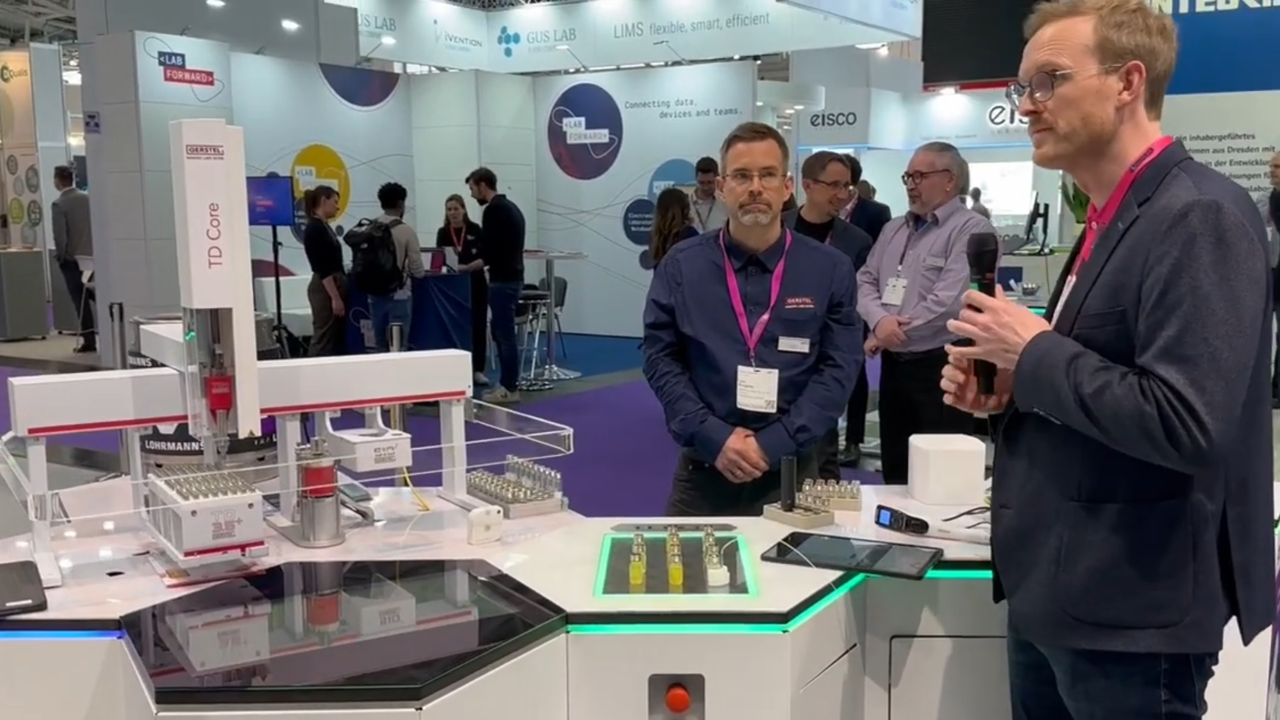
IntegrationIntegration of the analysis platform was carried out using existing LADS adapters. The execution of the individual processes within the rather complex operation, however, is handled by a encapsulated program within the platform. SAMPLES simply initiates the program using the“Execute” interaction, the details of the execution remain within the device. An external analysis software was integrated for analyzing the temperature data.
ResultAfter the user has inserted the adsorber with the loop into the TD tube and entered the position on the worktable, he starts the program directly in SAMPLES. The execution itself as well as critical parameters can be continuously tracked and monitored. The temperature profile is preset on the device according to the work instructions and is monitored throughout the process. It is automatically analyzed using integrated external software.

6. Gas Chromatography
IntegrationThe gas chromatograph is also addressed via its encapsulated program. Additionally, the data exchange between the external analysis software used and the LES was implemented to transfer the analysis results back into the LES.
ResultAt the end of the previous process step (5), the LES starts the program, whereby the adsorber automatically transfers the extracted substances to the gas chromatograph. The raw data obtained from this process are manually transferred to an external analysis software. Once the results are available, they are automatically transferred to the LES via data exchange and recorded in the protocol.
7. status display on the iHEX
IntegrationThe LEDs integrated in the iHEX hexagonal modular laboratory furniture already had LADS adapters and could therefore be easily integrated.
ResultTo inform the user visually about the current status throughout the entire workflow, the status LEDs on the iHEX modules change color to indicate which work step or iHEX module the user is currently in. SAMPLES automatically controls this in the background based on the status and progress of the investigation process.

8. Control of the cobot Kevin
IntegrationCobot Kevin already had a LADS adapter and could therefore be integrated and controlled via its own middleware. The complex process was developed as a separate workflow.
ResultCobot Kevin’s task is to support the laboratory staff by performing activities such as or require special skills. Kevin can be started directly through SAMPLES by initiating a command. In the described use case, Cobot Kevin was responsible for picking up, handling, and transporting the examined sample carrier for cleaning. Also, the battery charging of Cobot Kevin at the charging station was done automatically based on its needs.
Conclusion: Significant increase in efficiency
The support provided to users by this semi-automated laboratory process has brought significant benefits. A crucial aspect is the plug-and-play feeling enabled by the smooth interaction between the devices and the LIMS. This interaction with SAMPLES ensures seamless integration and significantly simplifies device control.
Device control from the LES functionality of SAMPLES is facilitated through pre-configured interactions, easing operation for users and increasing efficiency. Devices can be easily selected and actions automated, speeding up and simplifying the entire process.
Moreover, the LES automates and simplifies the sequence of work steps and associated data flows between different devices and applications. This results in accelerated execution times and a significant reduction in sources of errors.
Furthermore, the implementation of this use case ensures high data quality by adhering to the ALCOA principle: the data is always attributable, legible, contemporaneous, original, and accurate.
Overall, device integration significantly contributes to increasing efficiency and improving quality in the laboratory by supporting users and optimizing workflow processes.